
Load-out and selection
The Su-27's ten weapon stations, what each can carry, the CAP, BVR, DGFT and CLEAN presets, changing the load with the ground crew, and selecting a weapon in flight.
On this page
The ten stations
The Su-27 has ten places to hang missiles, numbered from the left wingtip to the right:
| Station | Where | Carries | Launch |
|---|---|---|---|
| 1 | Left wingtip | R-73 | Off the rail |
| 2 | Left outer wing | R-73 | Off the rail |
| 3 | Left inner wing | R-27ER, R-27R, R-27ET, R-27T, R-77 | Off the rail |
| 4 | Under the left intake | R-27ET, R-27T, R-27ER, R-27R, R-77 | Dropped, then the motor lights |
| 5 | Centreline, front | R-27ER, R-27R, R-77 | Dropped, then the motor lights |
| 6 | Centreline, rear | R-27ER, R-27R, R-77 | Dropped, then the motor lights |
| 7 | Under the right intake | as station 4 | Dropped, then the motor lights |
| 8 | Right inner wing | as station 3 | Off the rail |
| 9 | Right outer wing | R-73 | Off the rail |
| 10 | Right wingtip | R-73 | Off the rail |
- R-73s go only on the four wing stations, 1, 2, 9 and 10.
- Heat-seeking R-27s (T and ET) can't go on the centreline (5 and 6).
- R-77s go on stations 3 to 8.
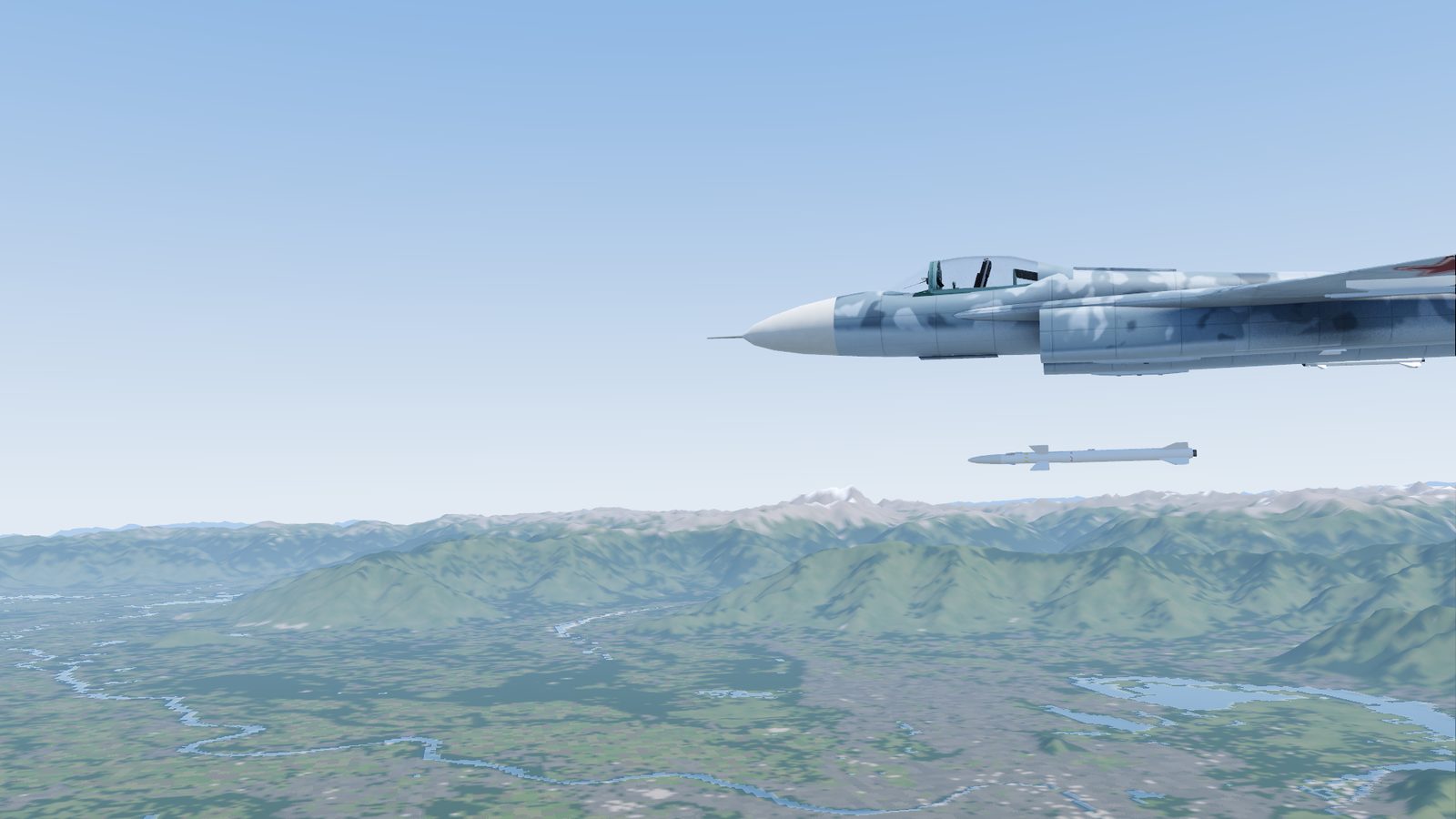
- Missiles on the wings go off a rail: the motor lights straight away. Missiles under the fuselage are pushed clear first and light about half a second later, below the jet.
- If you lose a wing, the missiles on it go with it.
The presets
| Preset | What it carries | Weight | G limit with 5,200 kg of fuel |
|---|---|---|---|
| CAP (the default) | 4 R-73, 4 R-27ER, 2 R-27ET | 2,506 kg (5,525 lb) | 7.8 G |
| BVR | 2 R-73, 6 R-27ER | 2,310 kg (5,093 lb) | 7.8 G |
| DGFT (dogfight) | 4 R-73, 2 R-27ET | 1,106 kg (2,438 lb) | 8.2 G |
| CLEAN | gun only | none | 8.6 G |
- CAP (combat air patrol) is a bit of everything: radar missiles for the long shot, heat-seekers for close in.
- BVR trades heat-seekers for six radar missiles.
- DGFT is light: more G, faster climbs, for close combat.
- The R-77 isn't in any preset. Load it station by station (below).
Missiles add weight: a heavier jet can pull less G, climbs and turns worse and needs a longer take-off. They don't add drag in this version.
Changing the load-out
The ground crew do it, on the WPN page of either large display. You must be on the ground and stopped.
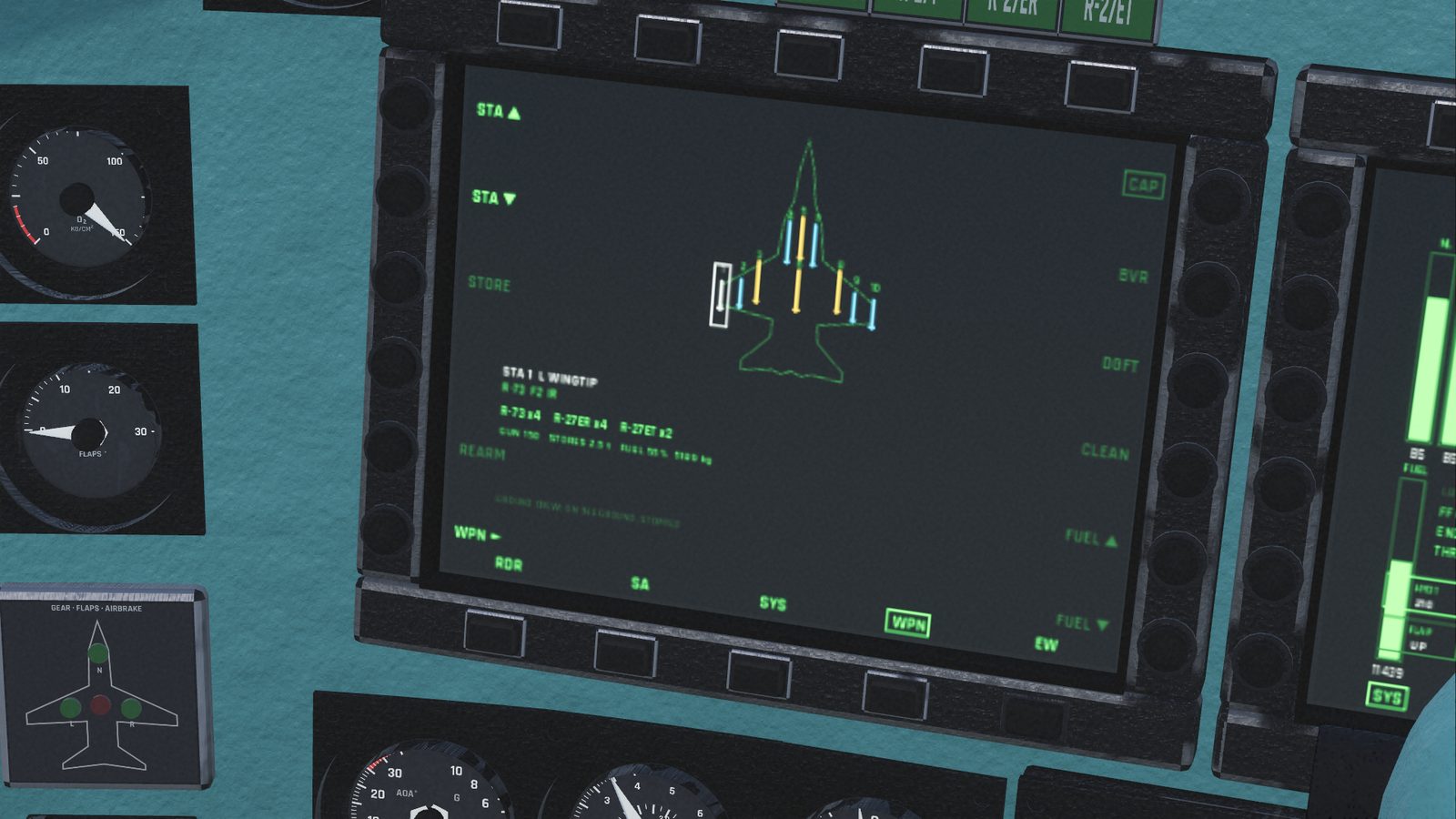
- Land and come to a complete stop (or respawn: you start stopped).
- Open the WPN page (bottom row of the left or right display).
- Either:
- press a preset: CAP, BVR, DGFT or CLEAN (right edge); or
- pick a station with STA ▲ / ▼ (or click it on the picture), then press STORE to step through what it can carry, ending with empty.
- Wait while the crew work: GROUND CREW: LOADING... with a light running along a bar (it doesn't show how long is left). Each changed station takes about 3 seconds, plus a few seconds to start. Stations being changed blink.
- REARM puts back the load-out you chose and refills the gun.
The crew stop if the jet moves. The same page sets the fuel: FUEL ▲ / ▼ in quarters of a full load, from 25% to 100%.
Your load-out stays when you respawn or use the practice approach: the crew load it again for you. A new flight starts with CAP.
Selecting a weapon in flight
The master mode decides which weapons you can use:
| Mode | Key | Weapons, in the order they're picked |
|---|---|---|
| BVR | 2 | R-27ER, R-27R, R-77, R-27ET, R-27T, R-73 |
| WVR | 3 | R-73, R-27ET, R-27T (heat-seekers only) |
| GUN | 5 | the gun |
| NAV, GND | 1, 4 | none |
- Entering a mode picks the first missile in its list that you carry. With CAP that's the R-27ER in BVR and the R-73 in WVR.
- Z (or WPN ► on the WPN page) steps to the next type you carry, in that order, and round again.
- Changing the master mode picks again from the start: your Z choice isn't remembered.
- Radar missiles can't be used in WVR. For an R-27 or R-77 shot, be in BVR.
- When the last missile of a type is fired, the next type in the list is picked for you. With none left, the HUD shows NO MSL.
Where to see what's selected
- HUD (BVR and WVR, lower left): the missile and how many are left, for example R-27ER 4. In GUN, GUN and the rounds left.
- Weapon lamps (upper left of the front panel): the selected missile's lamp is lit (there's no lamp for the R-77); GUN in GUN mode; READY in the air with a weapon selected (and rounds left in GUN mode): it doesn't mean you have a target or are in range; LAUNCH for 2 seconds after each missile leaves.
- WPN page: the selected type is boxed in the list, and its stations have a faint disc.
Which station fires first
Missiles of the selected type leave from the outside in, alternating sides: stations 1, 10, 2, 9, 3, 8, 4, 7, 5, 6. With CAP, the R-73s go from the wingtips first; the R-27ERs from the inner wings, then the centreline.
Checked against FlightOut 0.5.2.