
Camera and views
The four camera views, looking around, zooming, and clicking the cockpit's controls.
Press V to step through the four views.
| View | What it shows |
|---|---|
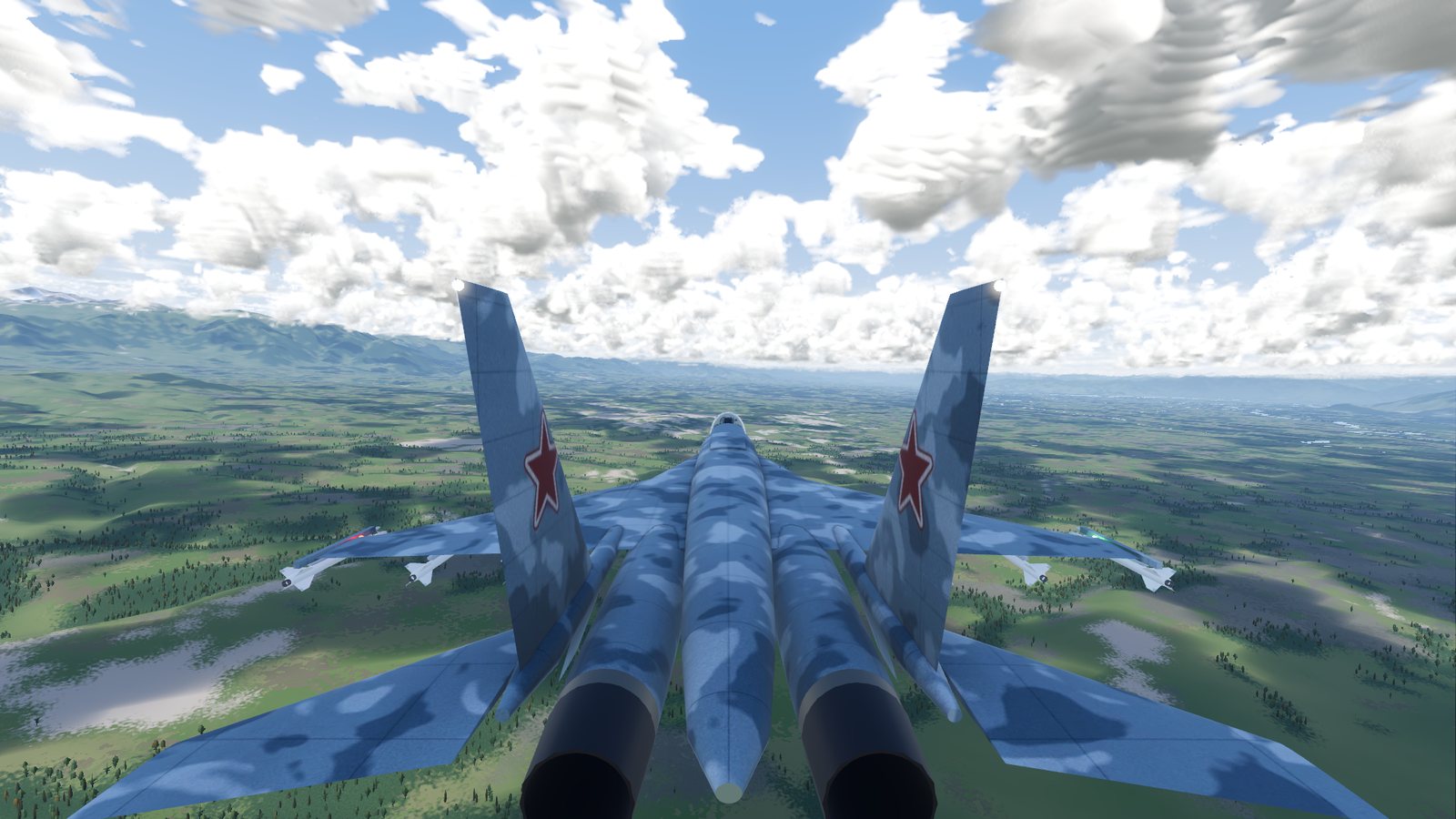
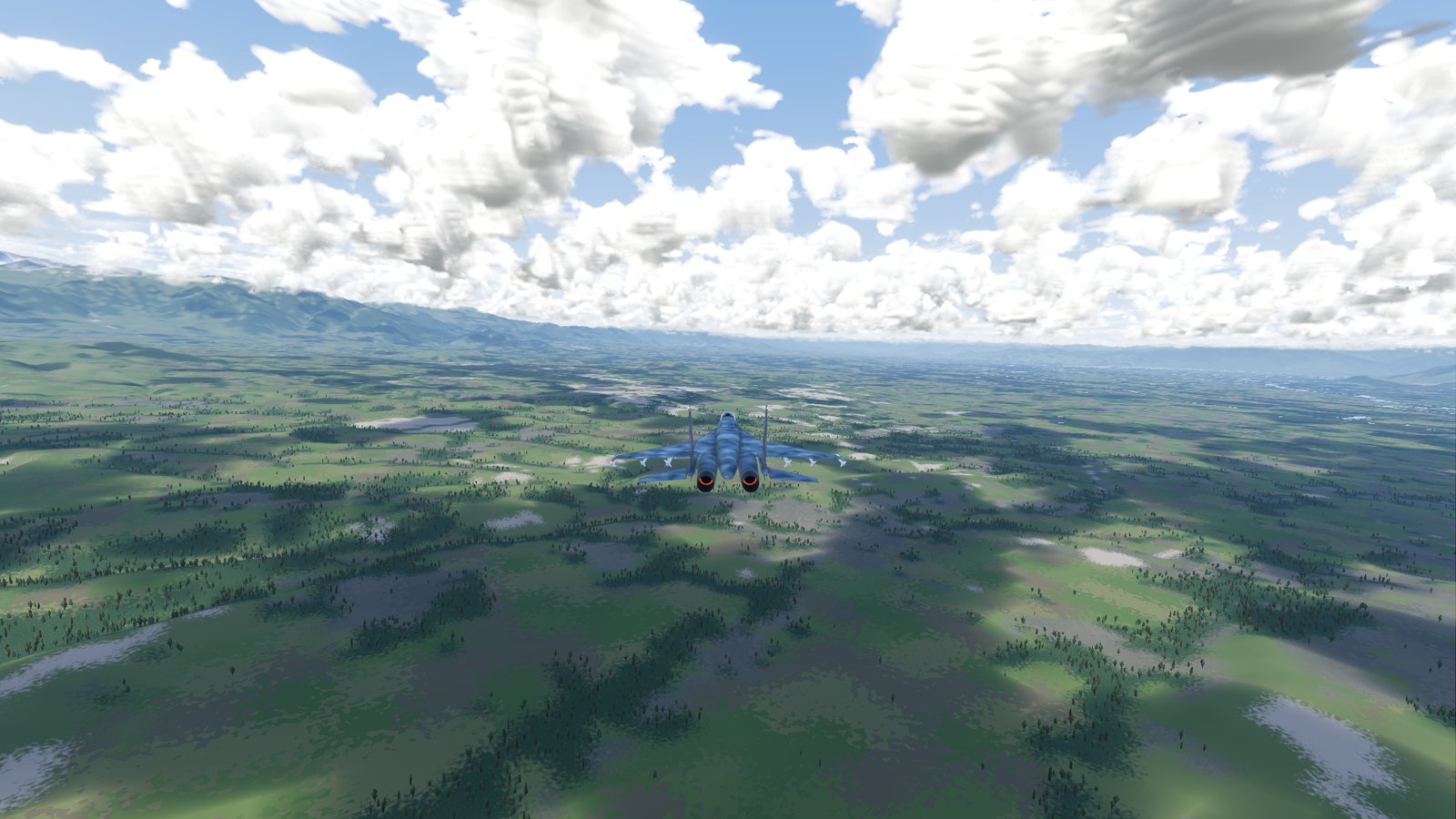
| Close | Behind the jet, turning with it. The view you start in |
| Far | Further back, turning with the jet |
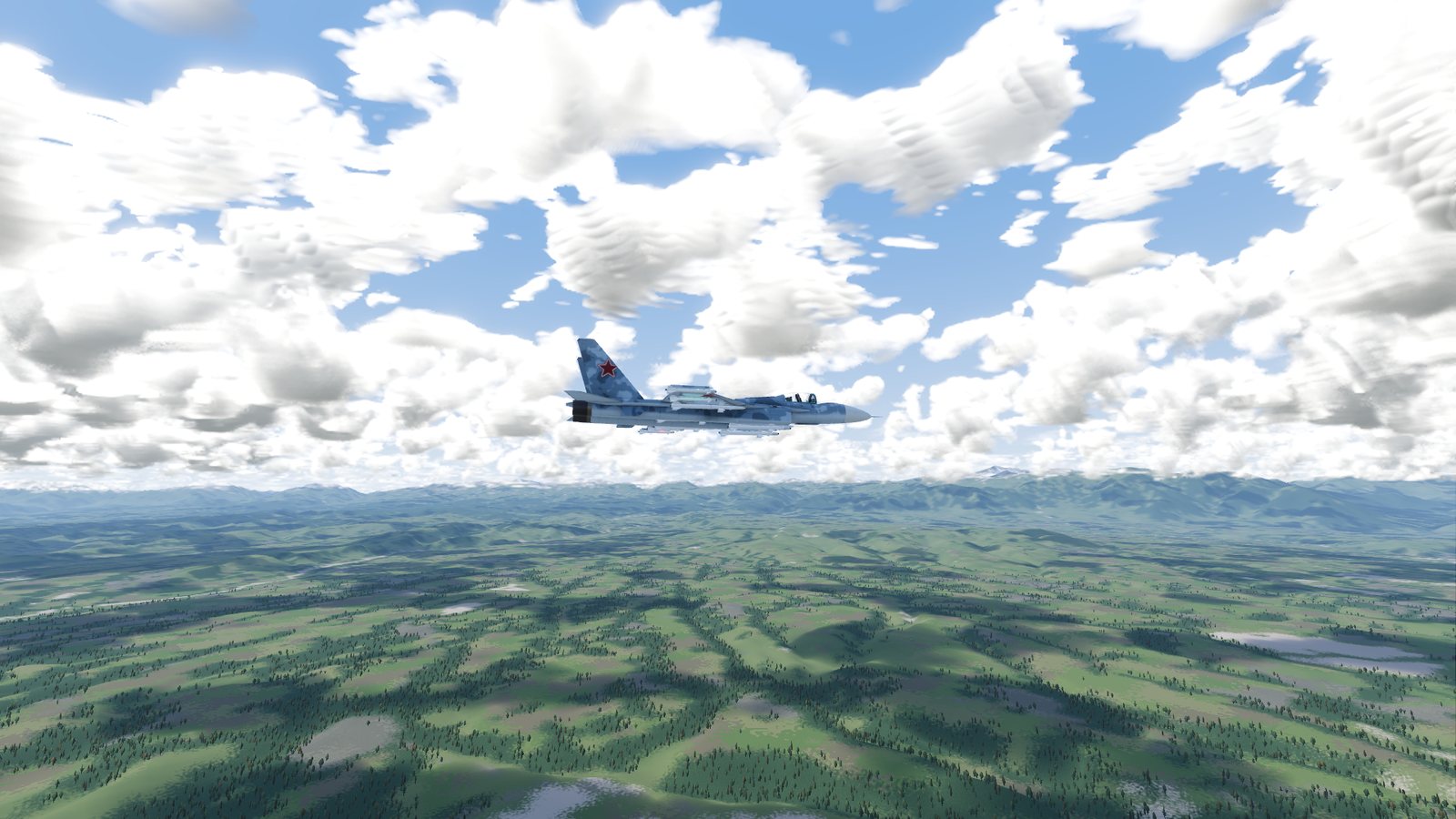
| Orbit | Around the jet with the horizon kept level. It stays where you put it and never turns with the jet |
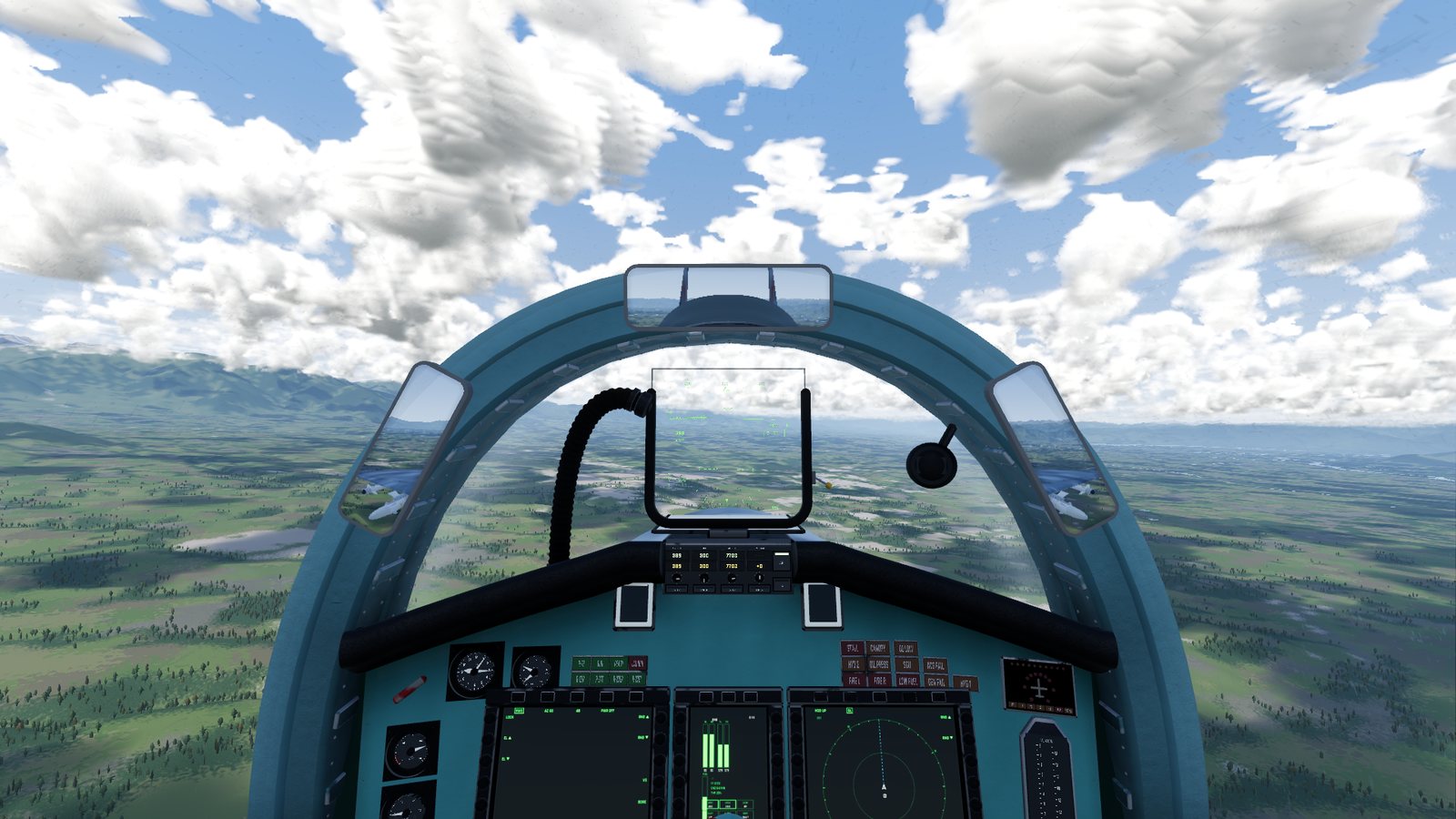
| Cockpit | The pilot's seat, with the instruments, HUD and displays |
Looking around
Hold the right mouse button and drag.
- In the close and far views the camera swings back behind the jet about a second after you let go.
- In the cockpit you can look up to 160 degrees left or right, 60 degrees down and 85 degrees up. The cockpit view starts looking slightly down over the instrument panel.
Zooming
The mouse wheel moves the camera closer or further outside, and zooms the field of view in the cockpit. The middle mouse button brings the cockpit view back to straight ahead at normal zoom. The normal zoom is set by Field of view in Display settings.
Using the cockpit
In the cockpit view the mouse pointer is a small crosshair that changes over anything you can use. Every working switch, button and knob can be clicked, and the displays' buttons too:
- a switch flips to its other position;
- a button presses;
- a knob turns down when you click its left half, and up when you click its right half.
On the autopilot panel you can also click a window to type a value, and the mouse wheel over a panel knob or window turns it instead of zooming.
Double-click any part of the cockpit and the pilot's head turns to it and leans in close. Double-click again to sit back.
What the head does under G, the shaking of the airframe and the G effects on your vision are all set in Cockpit settings.
Flight information
FlightOut shows no speed or height readouts on top of the picture. Your flight information is where a real pilot has it: on the instruments, the HUD and the displays in the cockpit. Use the cockpit view whenever you need it. An optional FPS counter can be switched on in Interface settings.
Checked against FlightOut 0.5.1.