
Interface settings
Units, the FPS counter, and the AI training traffic for offline flights.
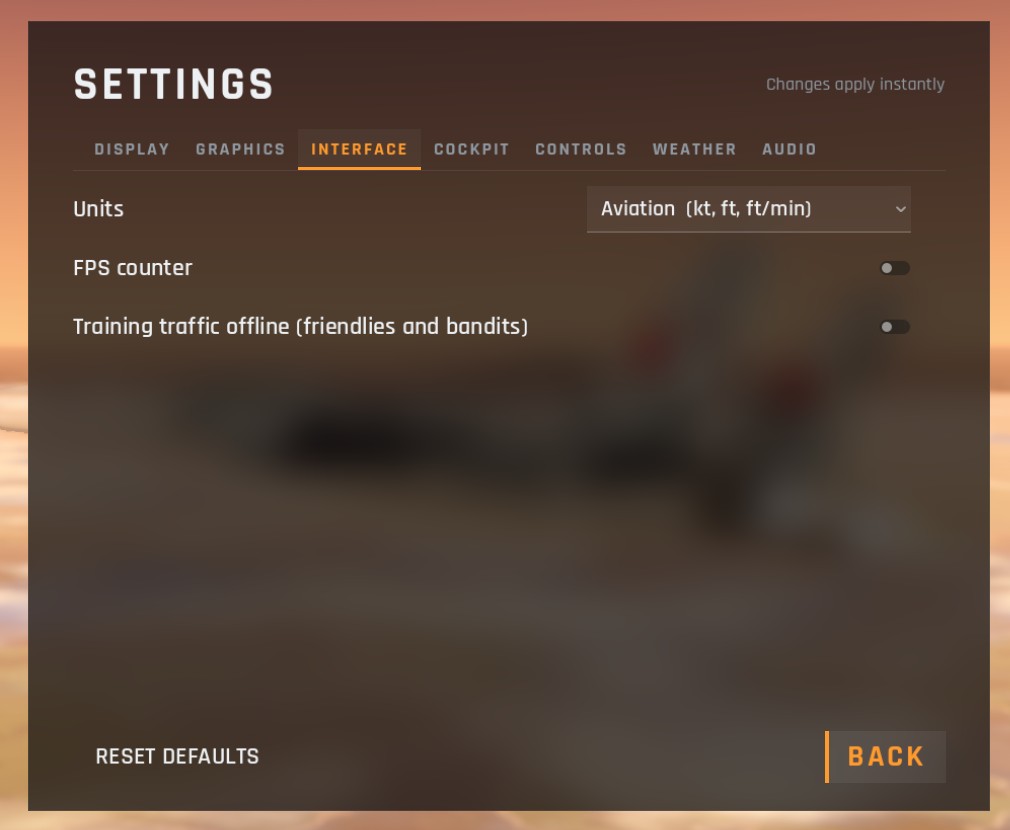
| Option | Choices | Default | What it does |
|---|---|---|---|
| Units | Aviation (kt, ft, ft/min), Metric (km/h, m, m/s) | Aviation | The units on the HUD, the cockpit displays, the autopilot panel and the radar readouts |
| FPS counter | On, off | Off | Frames per second in the top-right corner |
| Training traffic offline | On, off | Off | Friendly and enemy Su-27s flying round the map on your offline flights |
Units
Some readouts always use one system, whatever you choose:
- The round dial instruments in the cockpit always read airspeed in knots, altitude in feet, and climb rate in thousands of feet a minute.
- The map screen shows your altitude in feet and ground speed in knots, and distances in both kilometres and nautical miles.
Training traffic
With Training traffic on, offline flights have company: friendly jets on their own circuits and enemy jets on patrol. The enemies are AI pilots who find you on their radar, lock you, fire missiles and use the gun, and defend themselves when you shoot at them. It is good practice for combat. It has no effect online.
Checked against FlightOut 0.5.1.