
Your first flight
From the runway at Srinagar to a landing: take off, fly around, and use the practice approach to come back down.
This walk-through takes about ten minutes. It uses the default keys; the keyboard reference has them all.
Where you start
Press PLAY. You start at Srinagar (VISR), lined up on runway 13, ready to go:
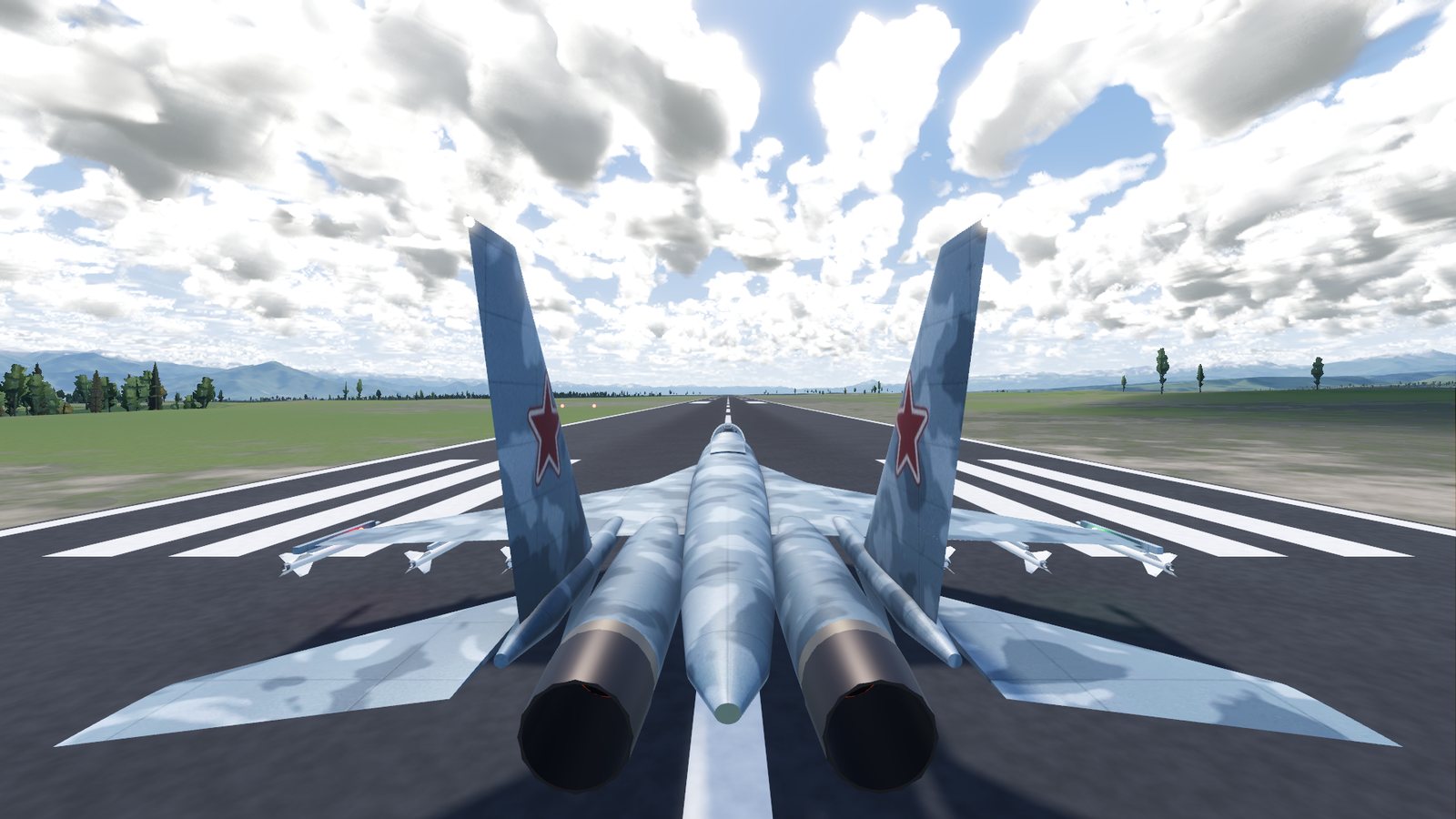
- engines running at idle, throttle closed;
- landing gear down, flaps up, canopy closed and locked;
- about 5,200 kg of fuel (the tanks hold 9,400 kg);
- the camera behind the jet. Press V to step through the views: close, far, orbit and cockpit.
The time and weather come from the Weather tab in Settings. By default it is 13:30 with scattered clouds and a light north wind.
Take off
- Optional: flaps. Press F to lower the flaps for a shorter take-off run.
- Power up. Hold Shift. The throttle moves at 40% a second. Above 85% is afterburner: you hear it light and feel the push. Full afterburner gives the quickest take-off.
- Keep straight. Q and E steer the nose wheel. Steering is strong at taxi speed and gentle at take-off speed.
- Rotate. At about 280 km/h (150 kt) pull back gently with S. Raise the nose about 10 degrees and let the jet fly off the runway. Don't pull too hard on the ground: the tail can strike the runway.
- Gear up. Once you are climbing away, press G. The gear takes 4 seconds to come up. Keep below 500 km/h (270 kt) until it is up, or it is damaged.
- Flaps up. Press F again.
- Power back. Hold Ctrl to bring the throttle below 85% and out of afterburner, which burns fuel quickly.
Fly around
| Do this | Keys |
|---|---|
| Nose down / nose up | W / S (or the arrow keys) |
| Roll left / right | A / D (or the arrow keys) |
| Yaw left / right | Q / E |
| More / less power | Shift / Ctrl |
| Airbrake | B |
| Look around | Hold the right mouse button and drag |
| Zoom | Mouse wheel |
| The map | M (the flight carries on while it is open) |
Some things to try:
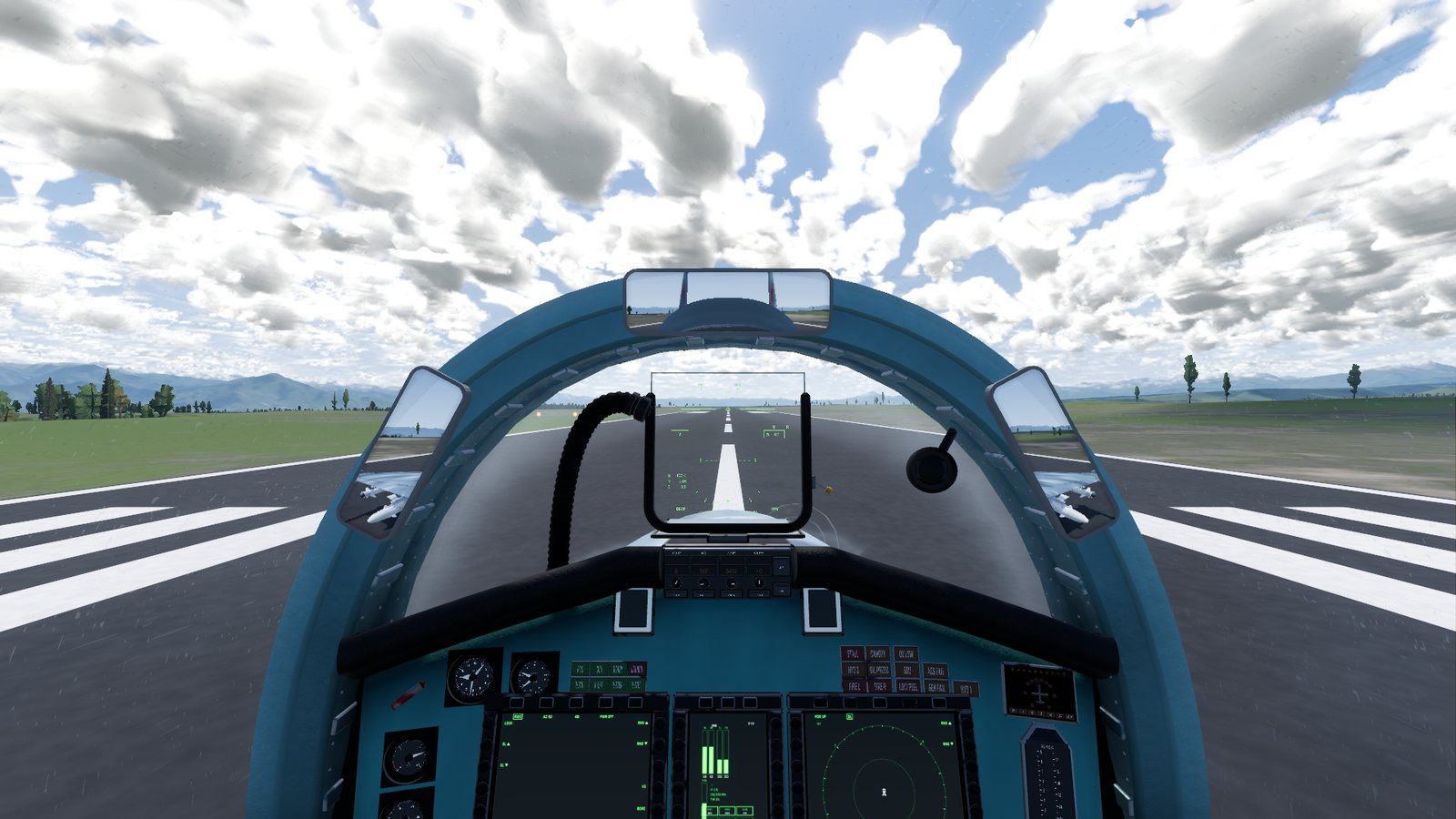
- Look at the cockpit. In the cockpit view you see the real instruments, the HUD and the displays. Hold the right mouse button to look around, and double-click anything to lean in and look closely.
- Let the autopilot fly. In the air, J switches it on and holds your speed, heading and altitude. Moving the throttle cancels its speed hold. Y brings the jet back to level flight from any attitude.
- Climb high. The jet goes faster and burns less fuel in the thin air up high.
The flight control system keeps you inside safe limits: up to about 9 G pulling (less when the jet is heavy) and 26 degrees angle of attack. Pull as hard as you like and it will not let the jet stall or break. K lets you override the angle of attack limiter for manoeuvres like the Cobra, while you hold the stick well back. With it overridden you can stall, spin and overstress the airframe. The limits come back as soon as you ease off the stick.
Come back and land
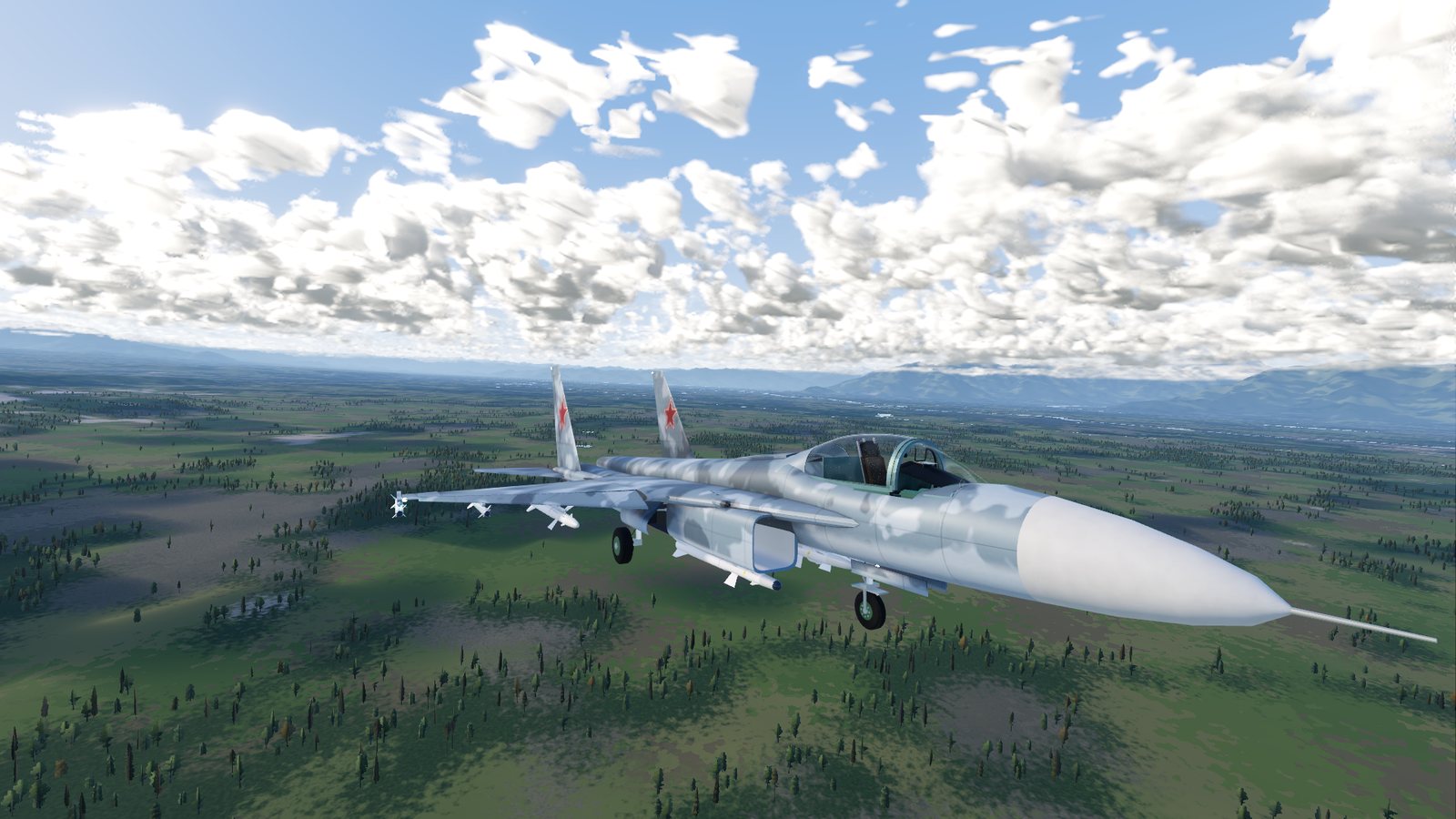
The easiest way down is the practice approach:
- Press P (offline only). You are placed about 7 km out from the nearest runway end, lined up on a 3-degree glide path, with the gear and flaps down.
- The auto-throttle holds about 280 km/h (152 kt). It lets go as soon as you touch Shift or Ctrl.
- Press V until you reach the cockpit view. With the gear down, in the NAV master mode (1, the mode you start in) and lined up with the runway, the HUD shows ILS guidance: a small circle, the runway name and the distance. Keep the flight path marker (the little jet symbol) on the circle.
- Check the PAPI, the four lights left of the touchdown point:
| PAPI shows | You are |
|---|---|
| 2 white, 2 red | On the glide path |
| 3 or 4 white | Too high |
| 3 or 4 red | Too low |
- Touch down gently. Raise the nose a little just before the runway to slow your descent. Aim for less than 3 m/s (600 ft/min) of sink. At 7 m/s (1,400 ft/min) or more the landing gear collapses.
- Stop. Bring the throttle back with Ctrl and hold Space for the wheel brakes.
The HUD's ILS guidance works on every runway end on the map whenever your gear is down in NAV mode, not only on a practice approach.
Start again
- Backspace, or RESTART AT RUNWAY in the pause menu, puts you back on the runway at Srinagar, repaired and refuelled.
- Esc pauses the flight.
Next: learn the controls in full, or set the time and weather.
Checked against FlightOut 0.5.1.