
Cockpit settings
How the pilot's head moves, how the airframe shakes, the effects of G on your vision, and head tracking.
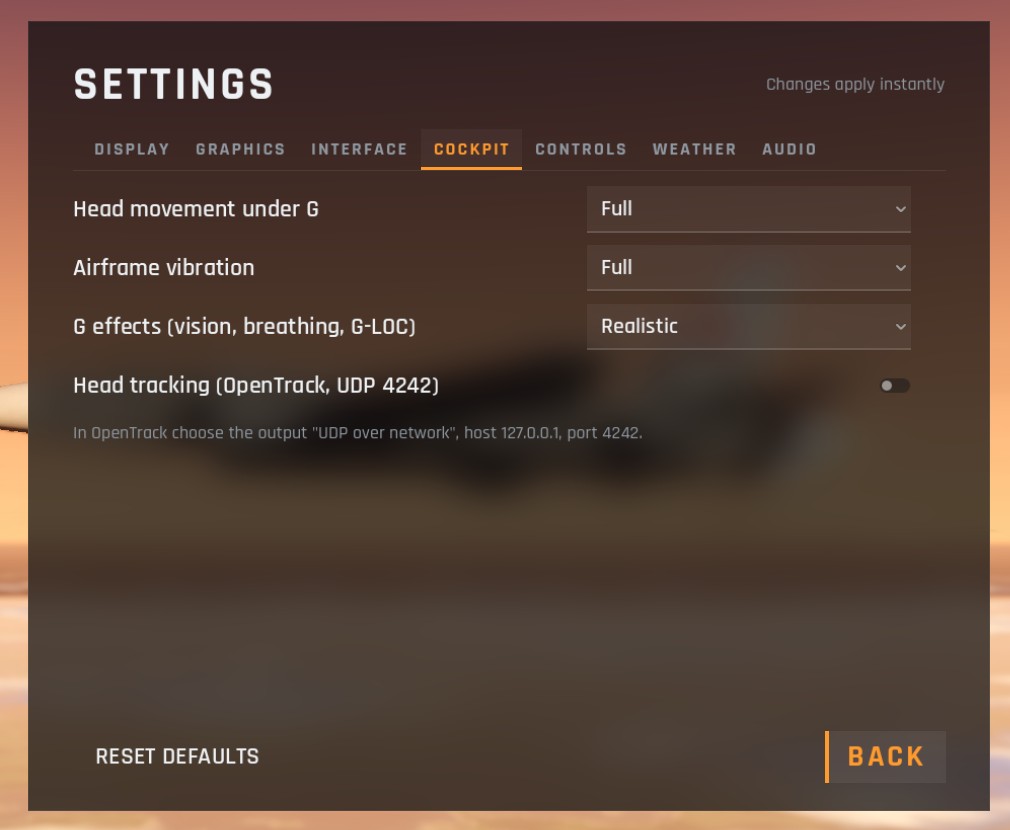
| Option | Choices | Default |
|---|---|---|
| Head movement under G | Off, Reduced, Full | Full |
| Airframe vibration | Off, Reduced, Full | Full |
| G effects (vision, breathing, G-LOC) | Off, Reduced, Realistic | Realistic |
| Head tracking (OpenTrack, UDP 4242) | On, off | Off |
Head movement under G
Your head moves as the jet does: it sinks when you pull G, is pushed back by the take-off run and the afterburner, thrown forward when you brake, and bumped on touchdown. Reduced halves it, Off keeps the view still.
Airframe vibration
The cockpit shakes with buffet near the stall, the shudder of flying close to the speed of sound, a rough runway and the rumble of the afterburner. The HUD's picture of the world stays steady, as in the real jet. A hit from a missile also jolts the view.
G effects
Pulling hard drains blood from your head:
| Setting | What happens |
|---|---|
| Realistic | Your vision greys, narrows into a tunnel and blacks out. Stay blacked out for about 1.5 seconds and you lose consciousness (G-LOC): the controls go limp until about 7 seconds after the G comes off. Pushing below about -1.5 G turns your vision red. You hear the pilot breathe and strain |
| Reduced | The same warnings with more tolerance, and you never lose consciousness |
| Off | No effects on vision |
How much G you can take: about 4.7 G relaxed, about 1 G more with the G-suit, and up to 2.4 G more while straining against it. Ease off the pull as soon as the edges of the picture start to grey.
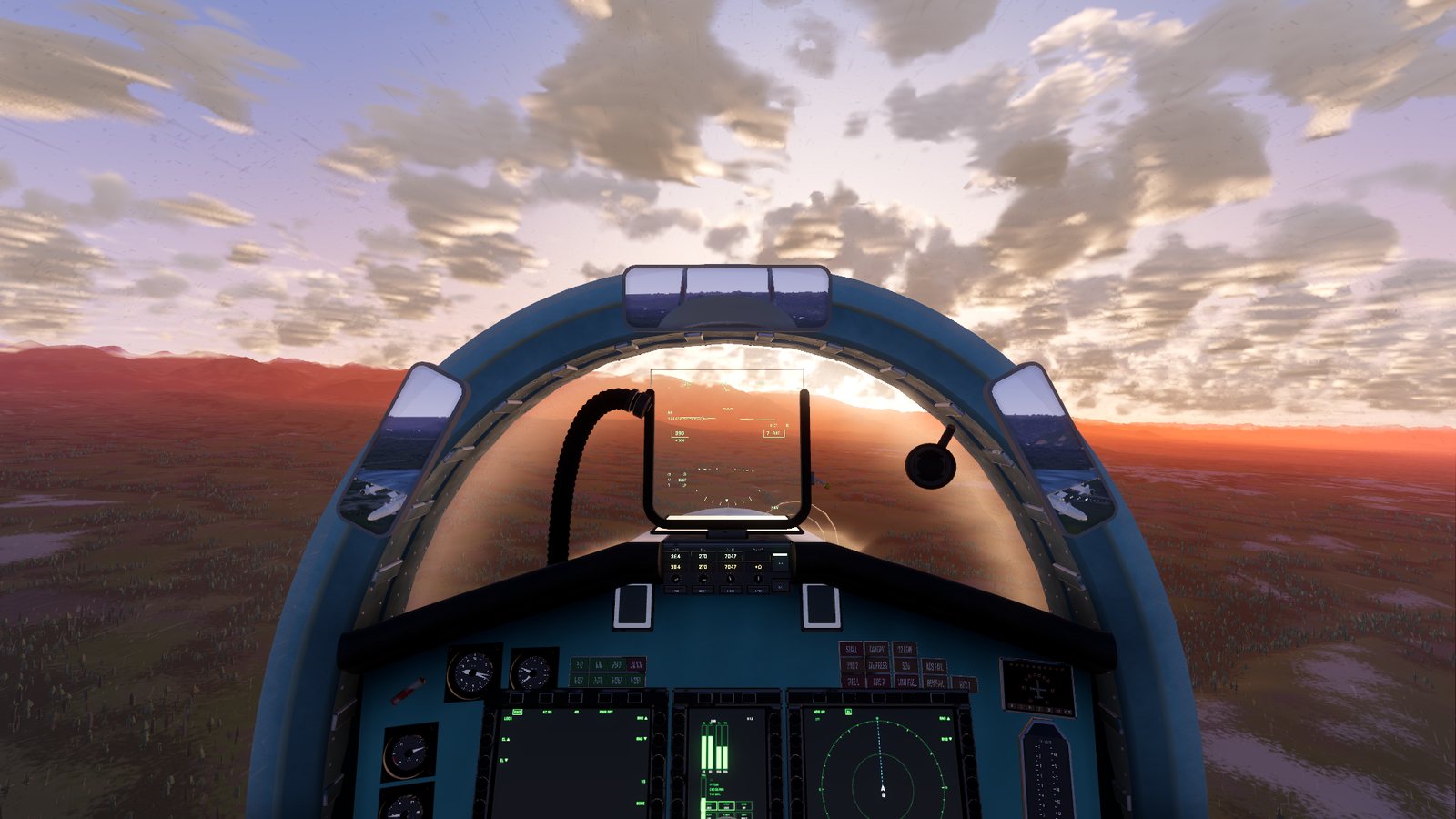
Head tracking
See Head tracking.
Checked against FlightOut 0.5.1.